- Access to your modem and router (or the single box from your internet provider)
- About 5 minutes
Find your boxes
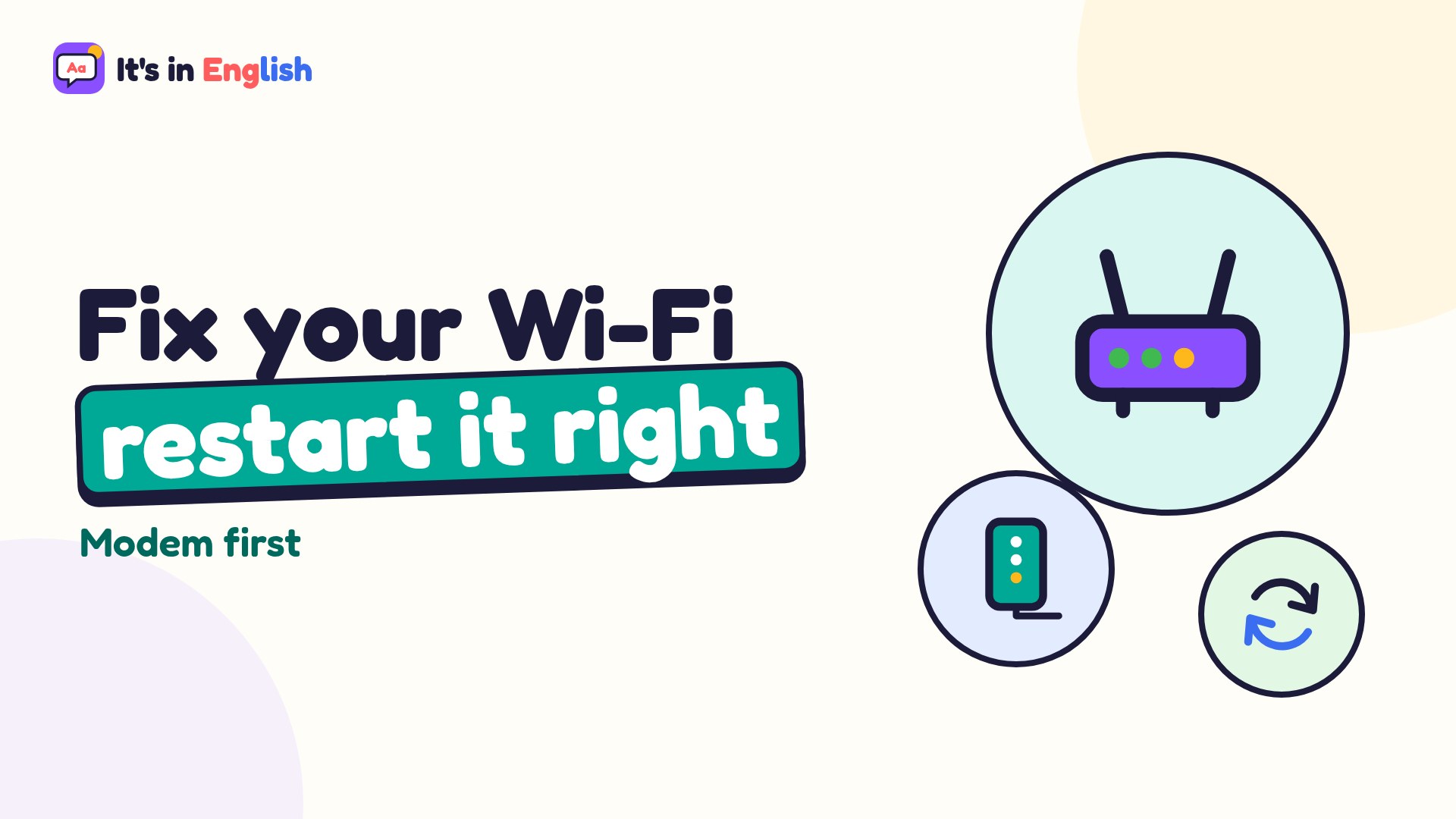
Your modem connects to the cable, fiber or phone line in the wall. Your router makes your Wi-Fi. Many providers give you one combo box (often called a gateway) that does both. If you have mesh Wi-Fi, the main unit plugged into the modem is your router.
Unplug the power
Pull the power cord out of the modem and the router (or the combo box). Don't unplug the other cables.
⚠️ Careful: don't press a tiny Reset hole or button. Holding it erases your Wi-Fi name, password and settings. Restarting just means turning the power off and on.Wait about 30 seconds
Give everything time to fully power down.
Plug the modem in first
Plug the modem back in and wait until its lights settle, usually 2 to 5 minutes. A steady “online” or internet light is a good sign.
Then plug in the router
Plug in the router and wait another couple of minutes for the Wi-Fi light to come on. If you have extra mesh units, they reconnect on their own.
Test it
Open a website on your phone or computer. Still nothing? Check your internet provider's app or website (on mobile data) for an outage, or call them.
💡 Tip: if you need to restart more than once a week, the equipment may be old or overheating. Keep it out in the open, not in a closed cabinet, and ask your provider whether it's due for an upgrade.
Want to understand what each box does? Read Router vs. modem vs. mesh, or Wi-Fi vs. internet.
Related game: Safe or Risky?. Related explainer: Wi-Fi vs. internet: what's the difference? .